Affiliate Disclosure: We earn commissions on qualifying subscriptions through our links.
How to Get CrushOn AI in 2026: Web, Android, and iOS Setup Guide
The fastest way to start using CrushOn AI: open crushon.ai in any browser. No download. No installation. Works on every device. The mobile apps add push notifications and a native interface — both valuable but not essential. Here's how to set up each access method.
Start Here: The Web Version (No Download Needed)

crushon.ai — that's it. Open any browser, go to that address, create a free account, and you're using CrushOn AI. The web version has complete feature parity with the mobile apps: full character library, all models, image generation, voice (Premium+), memory settings, account management.
This is the recommended starting point for all users:
- Works on Windows, Mac, Linux, iPhone, and Android
- No installation means no app store restrictions
- Always runs the latest version — no manual updates
- No regional availability issues
For iPhone users who want an app-like experience: in Safari, tap the Share button and select "Add to Home Screen." The web app opens full-screen without browser chrome, behaving like an installed app.
Android App: Google Play Store
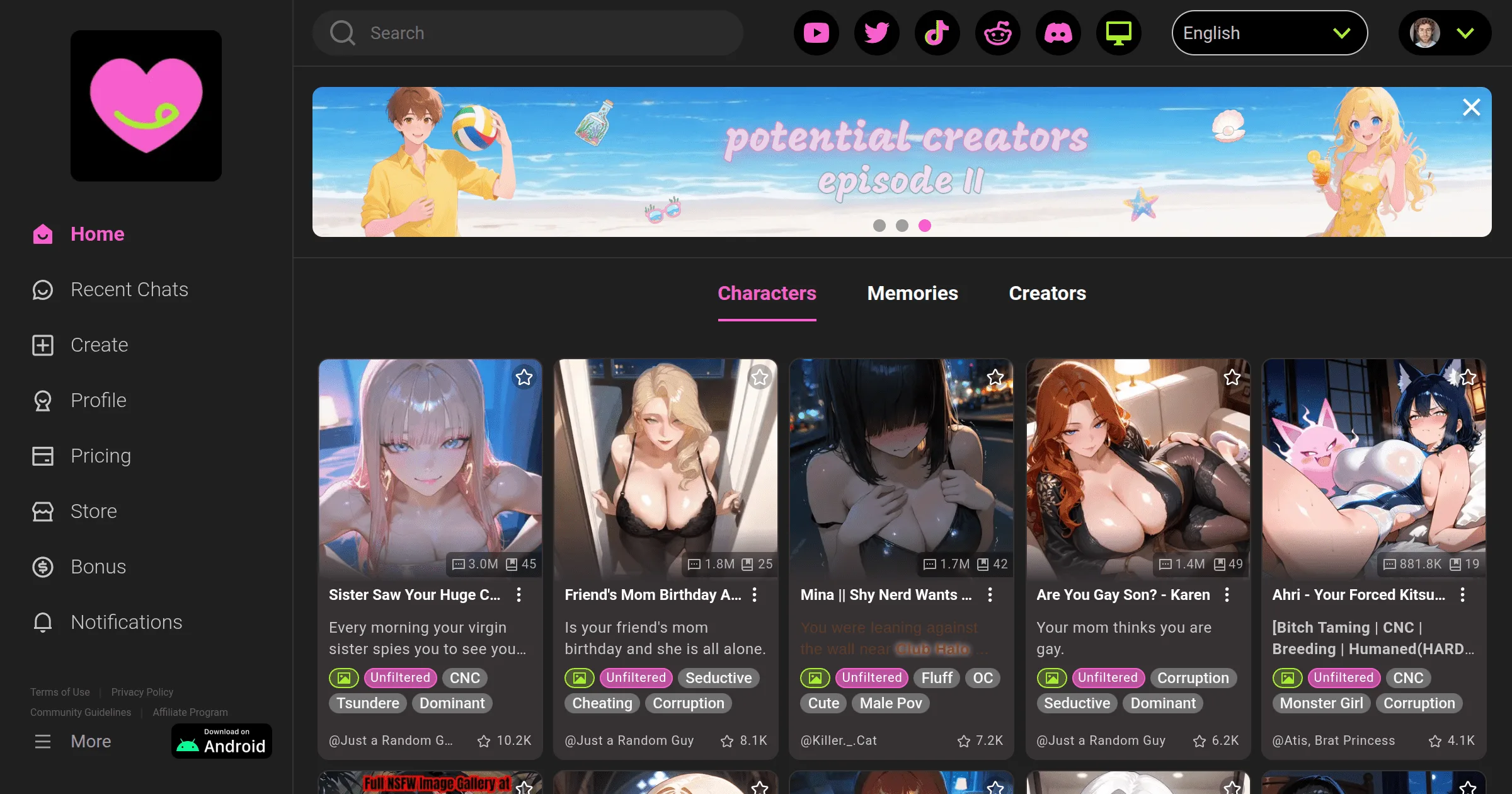
For Android users who want the native app experience with push notifications:
- Open Google Play Store
- Tap the search icon and type "CrushOn AI"
- Tap the official app (developer: Peekaboo Tech Inc.)
- Tap "Install"
- Open the app once installed
- Complete sign-up (email + 18+ confirmation)
The app provides push notifications for new messages and a smoother mobile navigation experience. Auto-updates happen through Play Store.
If the app doesn't appear in Play Store: Regional availability may be restricted in your country. Use the APK download below or the web version.
Android APK: Direct Download
When Play Store availability is restricted:
- On your Android device, open a browser and go to crushon.ai
- Find the Android download link on the homepage or download section
- Download the APK file
- Before installing: go to Android Settings > Security > enable "Install from unknown sources" for your browser
- Tap the downloaded APK to install
- Disable "Install from unknown sources" after installation completes
Only download the APK from the official crushon.ai domain. Third-party APK sites distribute unverified files that may be modified or malicious.
iOS: App Store or Web Workaround
CrushOn AI's iOS availability varies by country. Apple's App Store content policies have led to the app's removal in some regions due to NSFW content.
If available in your App Store:
Search "CrushOn AI" in the App Store and install normally.
If not available (most iOS users):
- Open Safari on your iPhone
- Go to crushon.ai
- Tap the Share button (box with arrow)
- Scroll down and tap "Add to Home Screen"
- Name the shortcut and tap Add
The resulting home screen icon opens CrushOn AI in full-screen Safari without browser navigation. It behaves identically to a native app. All features work: character library, messaging, models, image generation. iOS 14 or later required.
Account Registration
Regardless of platform:
- Go to crushon.ai or open the app
- Click "Sign Up"
- Enter your email address
- Set a password or continue with Google
- Agree to terms and confirm you are 18+
- Verify email (check inbox and spam folder)
- Choose a username and set up your profile
No credit card required for the free account. The free tier provides 50 messages per day immediately upon registration.
Comparing Access Methods
| Web Browser | Android App | iOS Web App | |
|---|---|---|---|
| Download needed | No | Yes | No |
| Works everywhere | Yes | Most regions | Yes |
| Push notifications | No | Yes | No |
| Feature access | Full | Full | Full |
| Updates | Instant | Via Play Store | Instant |
Troubleshooting
Play Store: "Not available in your country" — Use the crushon.ai APK or web version. Both work without regional restrictions.
iOS: App not found — Use the Safari web app method above. It provides equivalent functionality without App Store dependency.
App crashes repeatedly — Update the app (Play Store), clear app cache (Settings > Apps > CrushOn AI > Clear Cache), then reinstall if needed. Web version is an immediate alternative.
Can't log in — Verify the correct email address and password. Use "Forgot Password" for reset. Check that cookies are not blocked in browser settings for the web version.
For broader technical issues, see our troubleshooting guide.
Ready to try CrushOn AI?
Visit CrushOn AIFrequently Asked Questions
No. The web version at crushon.ai works in any browser without downloading. Full features are available via the web.
The official APK from crushon.ai is safe — it's the same app as the Play Store version, signed by Peekaboo Tech Inc. Never download from third-party APK repositories, which host unverified files.
Yes. Your account syncs across all access methods — web browser, Android app, iOS web app. Log in with the same credentials on any device and your conversations, characters, and settings are all accessible.
Feature parity is complete. The main practical differences: the Android app provides push notifications that the web version does not, and the app may have smoother navigation animations. For most users, the web version and app are functionally equivalent.