CrushOn AI Down or Not Working in 2026? How to Diagnose and Fix It
Most CrushOn AI issues fall into two categories: platform-wide outages (where waiting is the only fix) and device/account-level problems (where specific actions resolve the issue). The first step is always determining which category you're dealing with.
Determine If CrushOn AI Is Actually Down
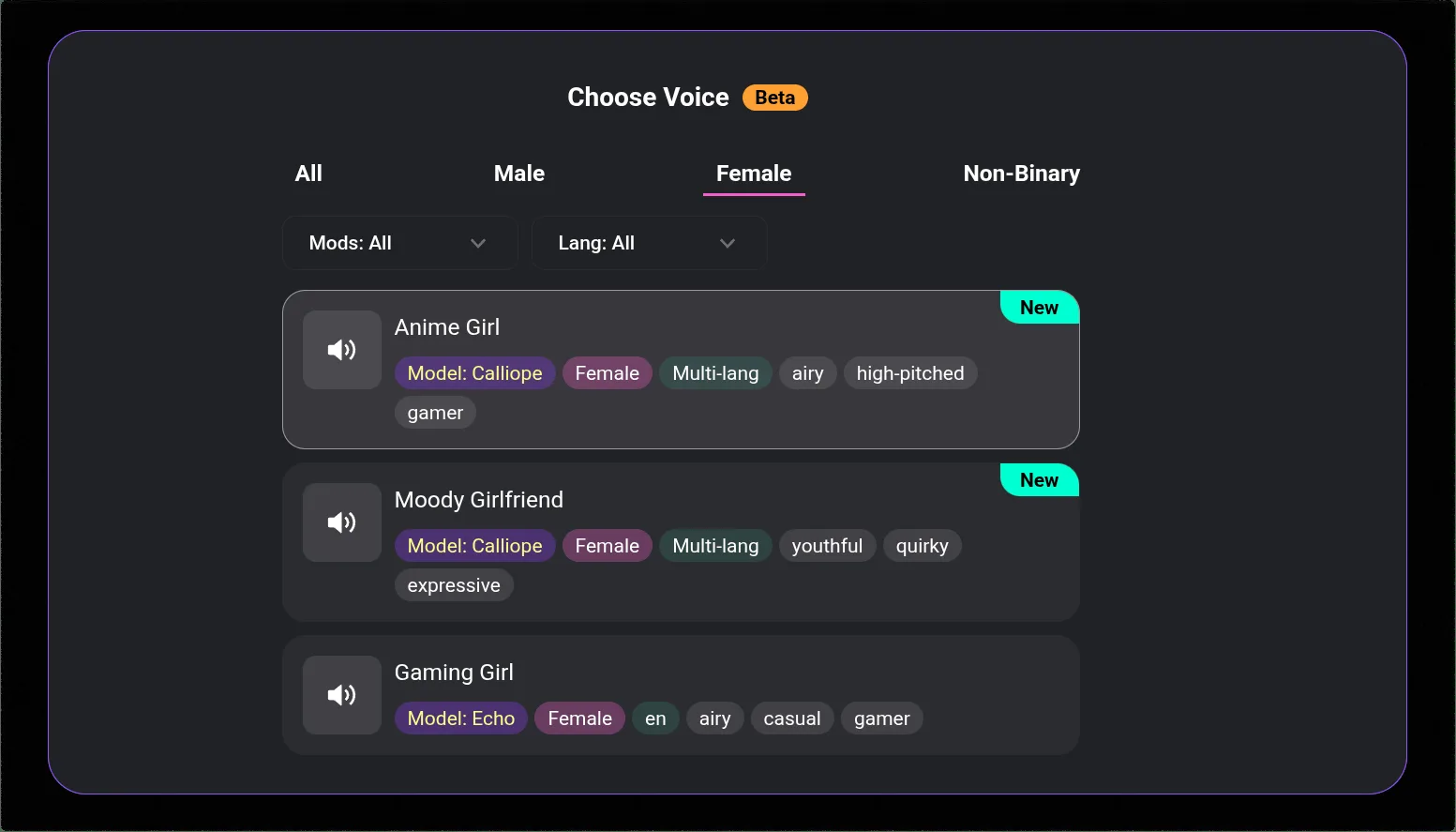
Check these in order:
- Twitter/X @CrushonAI: Official status updates appear here first. Search or check the account for recent posts about maintenance or service issues. Recent posts about outages = server-side problem.
- Reddit r/CrushOnAI: If multiple users posted about the same issue in the last 30-60 minutes, it's platform-wide.
- Discord: The official Discord announcements channel posts maintenance notices.
If it's server-side: Wait. Nothing you can do on your device fixes a server outage. Outages typically resolve within minutes to a few hours.
If it's not server-side: The problem is specific to your device, account, or network. Continue below.
CrushOn AI Won't Load (Browser)
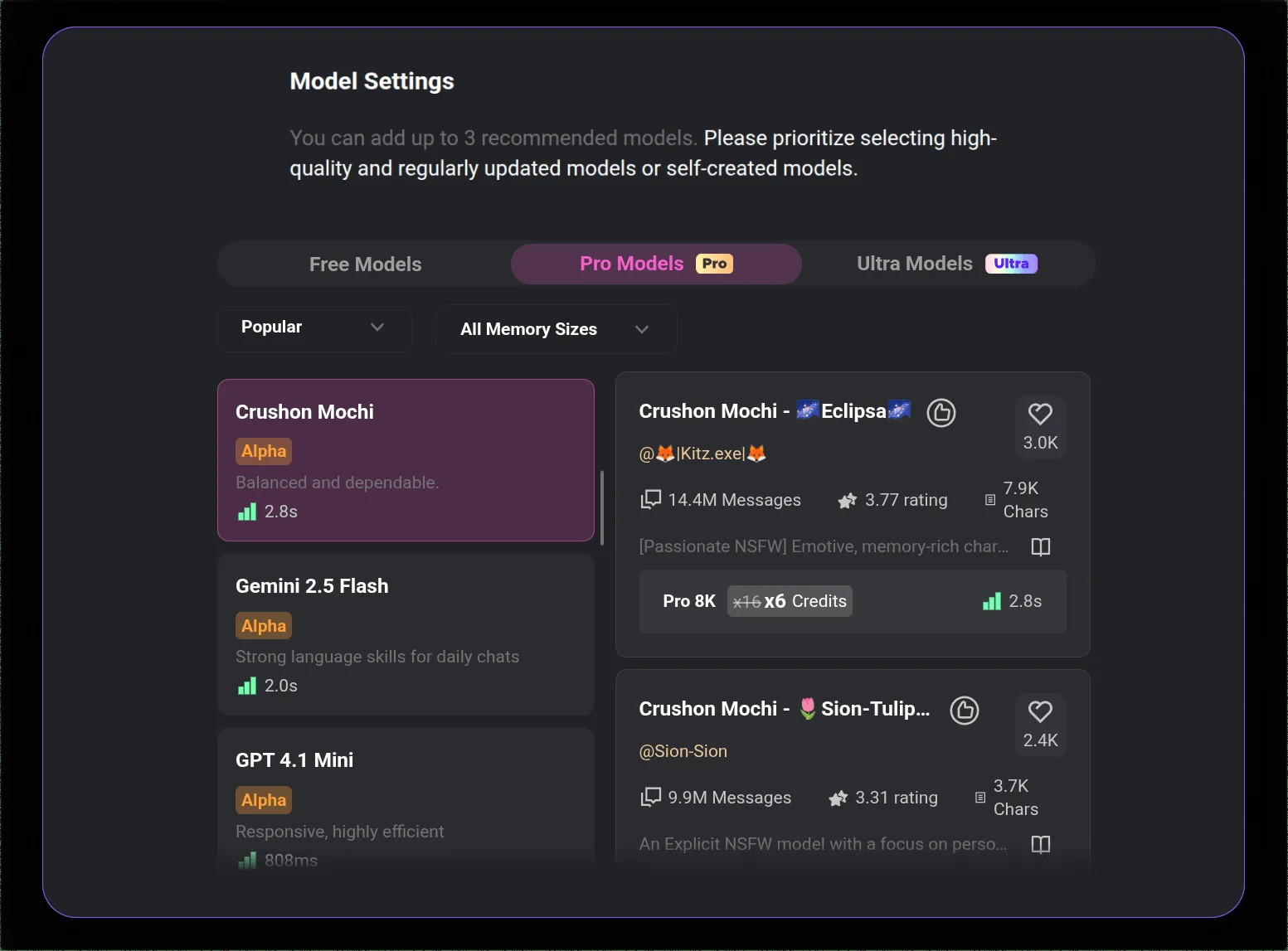
Standard browser fixes:
- Force refresh: Ctrl+F5 (Windows) or Cmd+Shift+R (Mac)
- Try a different browser entirely
- Open an incognito/private window (disables extensions that might be blocking)
- Clear browser cache: browser Settings > Privacy > Cached data
- Try on a different network (phone hotspot vs home WiFi)
- Temporarily disable VPN if you're using one (VPN routing can cause access issues)
If none of the above works: The issue may be a regional or ISP-level block in rare cases. Switching networks usually resolves this.
CrushOn AI App Issues (Android)
- Force-close the app completely
- Check Play Store for updates — update if available
- Clear app cache: Android Settings > Apps > CrushOn AI > Storage > Clear Cache
- Restart your phone entirely
- Uninstall and reinstall the app (your account data is stored server-side and won't be lost)
- Switch to the web version at crushon.ai while troubleshooting
Login Problems
Password issues: Use "Forgot Password" from the login screen. Check spam/junk folder for the reset email.
Wrong credentials: If you registered via Google, you must log in via Google — not with a manually entered password. Many users mix up their registration method.
Account suspended: Contact support via Discord or in-app help if you receive a suspension message. Review the platform's terms of service for potential causes.
Browser cookies: If you're repeatedly logged out, ensure cookies are enabled for crushon.ai in your browser settings. Privacy extensions can clear session cookies automatically.
Messages Not Sending or Showing
Message limit reached: Check your message counter. Free tier: 50/day. Standard: 2,000/month. Premium: 6,000/month. When you hit the limit, messages won't send. Free tier resets in 24 hours; paid monthly allocations reset on billing date.
Stuck sending: Refresh the page. Don't send the same message multiple times — this can create duplicate messages when the original was queued.
AI not responding: Try starting a new conversation. Try a different model. Long conversations can hit context limits on some models, causing response failures.
Image Generation Errors
"Image not found": Server congestion. Wait a few minutes and retry. This is the most common image error and self-resolves.
Images load blank: Clear browser cache. Check that image loading isn't blocked by a browser extension or ad blocker.
Can't generate images at all: Verify you're on Standard, Premium, or Deluxe — free tier has very limited image generation. Check if your monthly image allocation is used up.
Note: CrushOn AI does not support image uploads from users. If you're trying to upload a photo, this feature doesn't exist on the platform.
Known 2026 Platform Issues
- DeepSeek model instability: Reported session drops and inconsistent behavior. Use MythoMax (Standard+), GPT-4o, or Claude 3.5 Sonnet (Premium+) instead
- iOS App Store unavailability: App is not in all regional App Stores. Use the web version via Safari
- Memory gaps on Standard/Premium: Characters not remembering previous sessions is expected behavior, not a bug — full cross-session memory requires Deluxe
Reaching Support
When self-help doesn't resolve the issue:
- In-app: Look for a help or support link in account settings
- Discord: The fastest response channel — community members and staff monitor it
- For billing disputes: Contact the payment processor directly (Subscribestar for web, Apple/Google for app store subscriptions)
Response times for support tickets typically run 24-48 hours on business days.
Ready to try CrushOn AI?
Visit CrushOn AIFrequently Asked Questions
Follow @CrushonAI on Twitter/X — the official account posts status updates for outages. If no recent posts mention issues and other users aren't reporting problems, the issue is on your end.
The most likely causes: an app update introduced a bug (update or reinstall the app), browser cache needs clearing (clear cached data), or a server-side issue that may already be resolved (check Twitter for announcements). Running through the browser troubleshooting steps usually resolves this.
Check which limit is active. Free tier: 50 messages per day (resets every 24 hours). Standard: 2,000 per month (resets on billing date). Premium: 6,000 per month. If you've hit the limit, wait for the reset or use coins to extend your allocation.
HD images (Premium/Deluxe) take longer to generate than standard images. Peak hours (evenings, weekends in US time zones) add to generation time. Try off-peak hours or temporarily switch to standard quality. If loading time is consistently very slow over multiple days, contact support.